





















Phones and devices
Keep your phones. They are simply going to work better.
Konvoice does not impose its own hardware and does not sell a “Konvoice-compatible” handset. Standard SIP phones are first-class devices, provisioned remotely and monitored like everything else.
Compatibility
What we provision automatically.
Automatic provisioning means: you enter the serial number or the MAC address, and the handset configures itself on its next start-up, wherever it is.
| Family | Manufacturers | Provisioning | Advanced features |
|---|---|---|---|
| Desk phones | Yealink, Fanvil, Grandstream, Snom, Poly, Cisco SIP | Automatic | Line status, call pick-up, directory, transfers |
| DECT cordless | Yealink, Gigaset, Snom, Grandstream | Automatic | Multiple handsets, roaming across several bases |
| Analogue adapters | Grandstream, Cisco, Patton | Automatic | T.38 fax, door entry, alarms, lifts |
| IP intercoms and door entry | Fanvil, 2N, Doorbird | Automatic | Door release by code, call to a group |
| GSM and PSTN gateways | Patton, Yeastar, Portech | Assisted | Local backup line, emergency calls |
| Third-party SIP softphones | Bria, Zoiper, Linphone | Manual | Basic calling — the Workspace brings more |
| Headsets | Jabra, Poly, EPOS, Logitech | Not applicable | Answer and mute keys recognised |
A model missing from this list almost always works with manual configuration. Send us your inventory before signing: we answer model by model, including when the answer is no.
What “device” means here
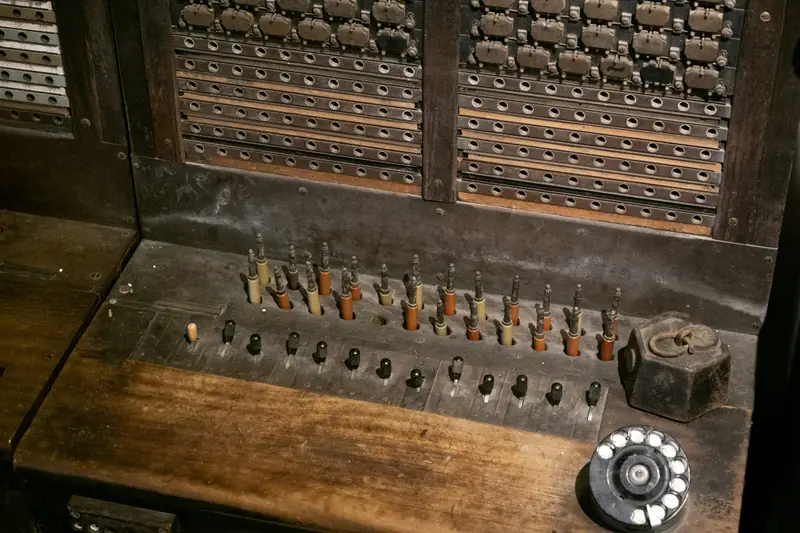
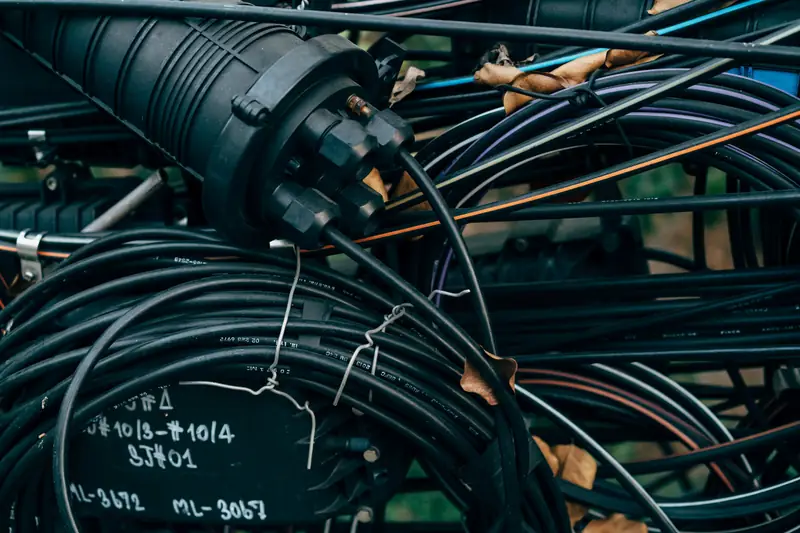
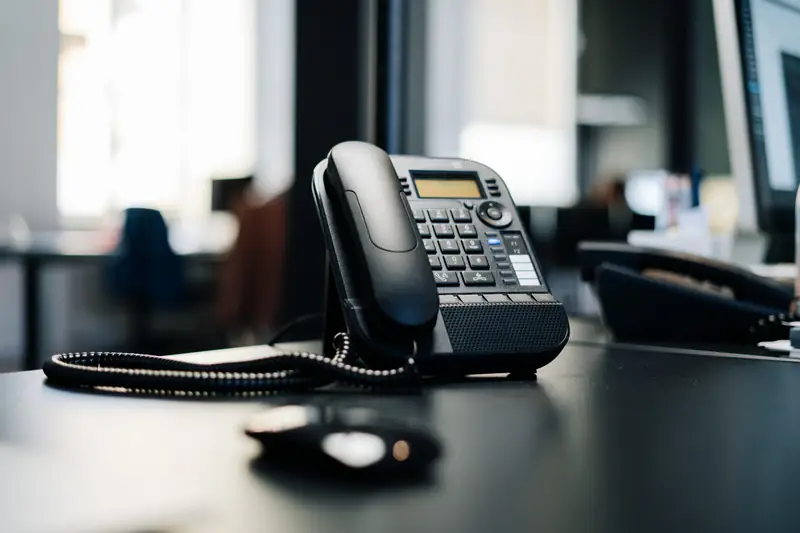
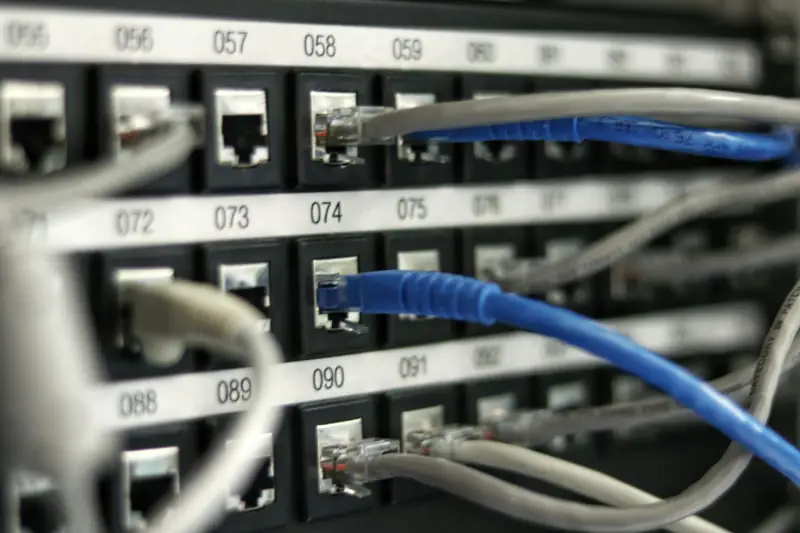
A handset, a cordless base, a door entry panel, a fax.
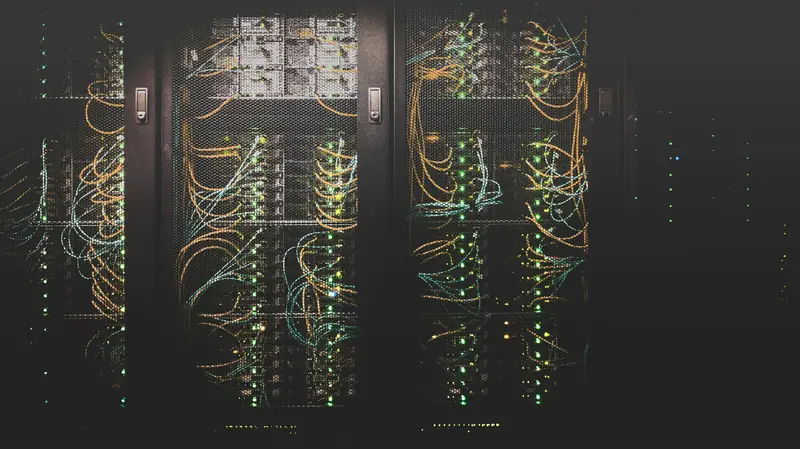
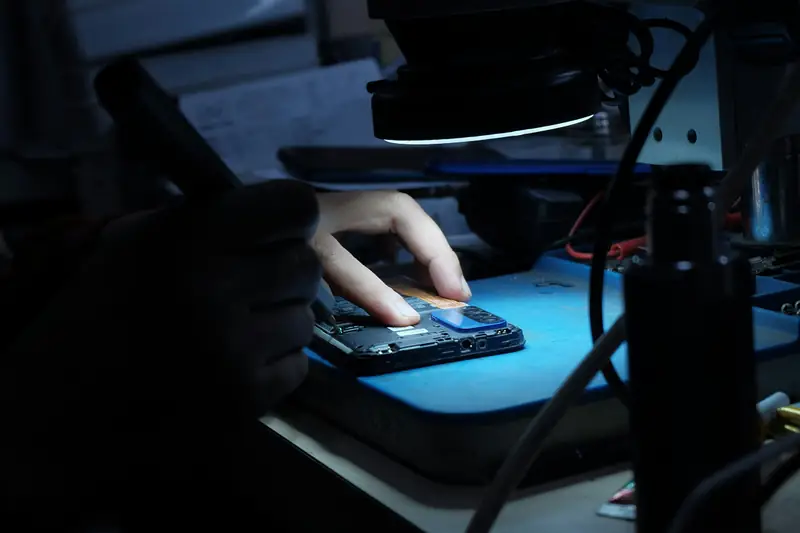
The list above is a table; these are objects. Each is provisioned the same way — one MAC address entered, and the device configures itself on its next start-up.



Provisioning
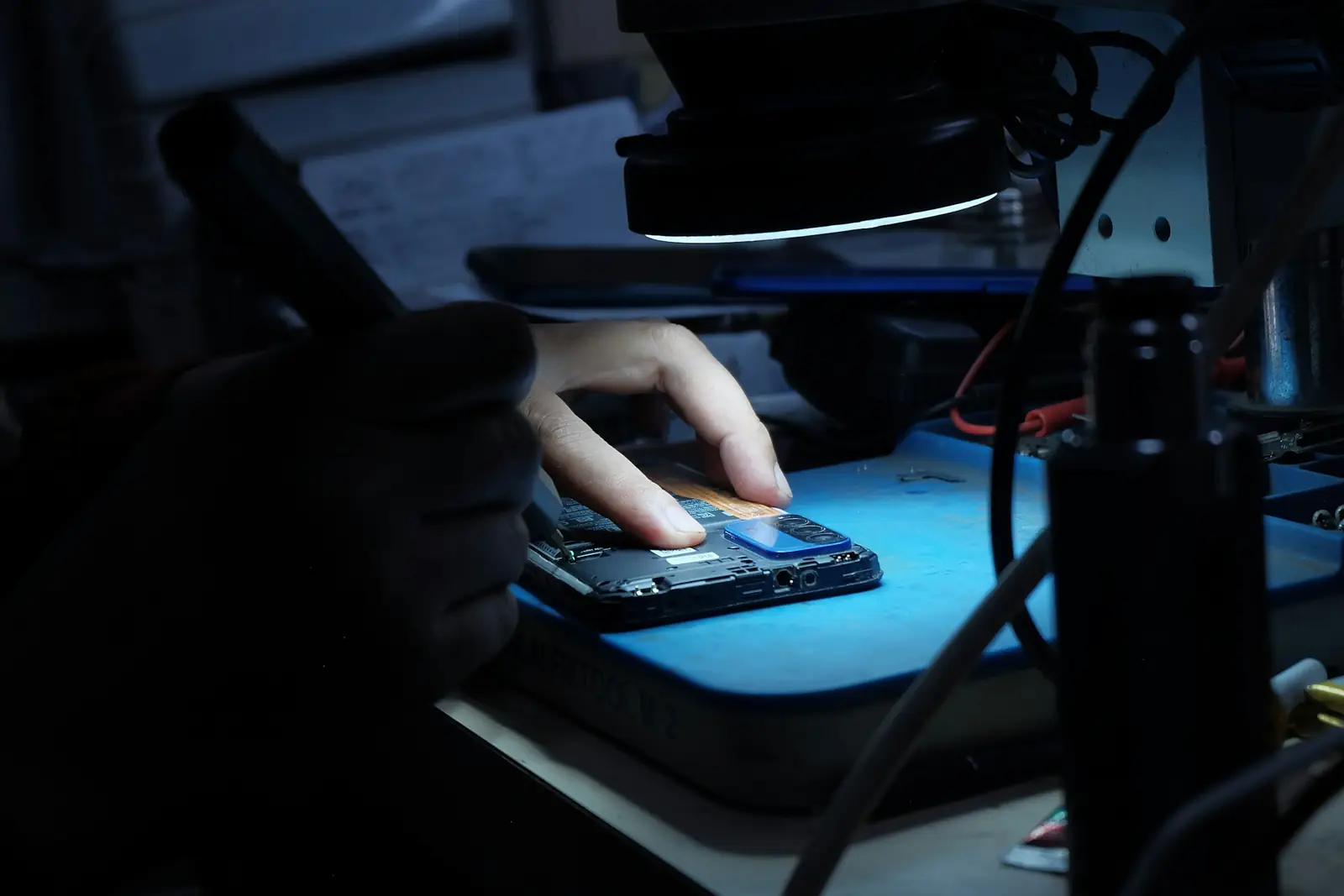
Four ways to configure a handset, depending on where it is.
A new phone in a box, a phone already installed at a customer site 400 kilometres away, and a phone on a network with no internet are not handled the same way.
- HTTPS with authentication — the handset fetches its encrypted configuration from a server that checks its identity. The default mode.
- Local server on the Edge — the site provisions its own handsets without going out to the internet. Essential for an offline site.
- DHCP option 66 or 160 — your network itself tells the handsets where to configure from, without touching each device.
- QR code or manual entry — for an isolated handset, a home worker or an unusual model.
One credential per device
Extension 203 has three distinct identities: the Yealink on the desk, the mobile and the browser. Stealing one does not open the other two.
Secret rotation
SIP passwords are generated, never chosen, and can be renewed in bulk without a site visit.
Immediate revocation
A lost handset is removed in one click. It stops registering within the second, wherever it is plugged in.
Estate
You finally know what is plugged into your network.
The question “how many telephones do we have, and where” has an answer in almost no company. Konvoice keeps that inventory on its own.
A live inventory
Model, firmware version, MAC address, site, person, last connection. Updated every time the handset registers.
Firmware you control
You decide the target version and the update window. Handsets update at night, in batches, with rollback on failure.
Unknown handsets flagged
A SIP device that appears on the network and is not declared is flagged and cannot register without approval.
Quality per device
Jitter, packet loss and perceived quality per handset. The phone in office 12 that has been crackling since Tuesday is identified before the complaint.
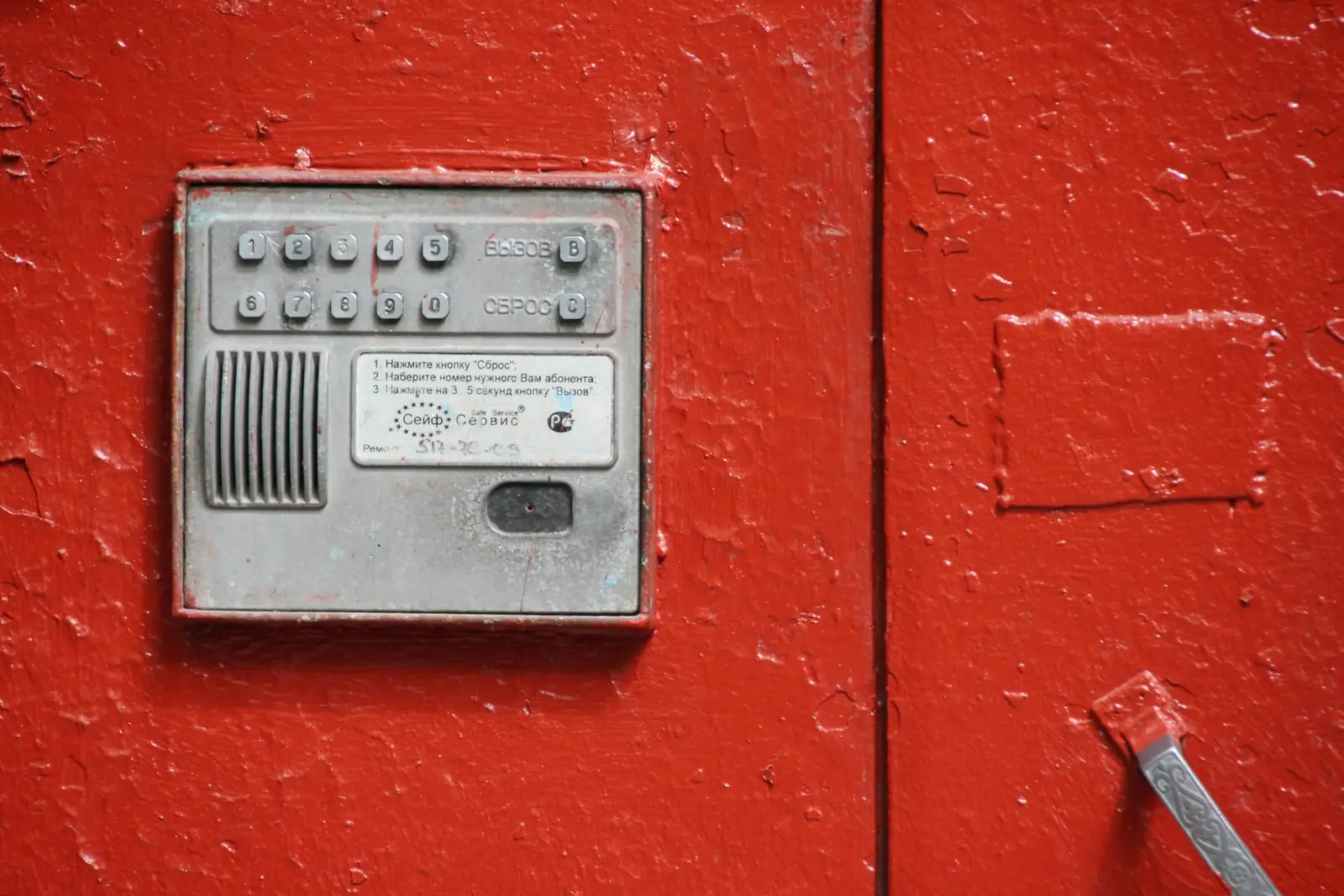
The entry panel at the door is a telephone extension. It just has a button instead of a keypad.
And it rings in the reception queue like any other
Questions about devices
Do we need a voice VLAN?
Are our handsets locked if we leave?
Can we mix several brands?
What happens if a handset is stolen?
See Konvoice on your own numbers.
Thirty minutes, your call plan, your network constraints. We cut the link live and show you what keeps running.
No commitment. No card number asked for.