











Konvoice Edge
On the day the fibre is cut, your company answers anyway.
Konvoice Edge is an appliance placed in your comms room. It holds everything your site needs to run its own telephony: the routing, the voice menu, the queues, the voicemail and your handsets’ credentials.
The object
One appliance, four LEDs, no console.
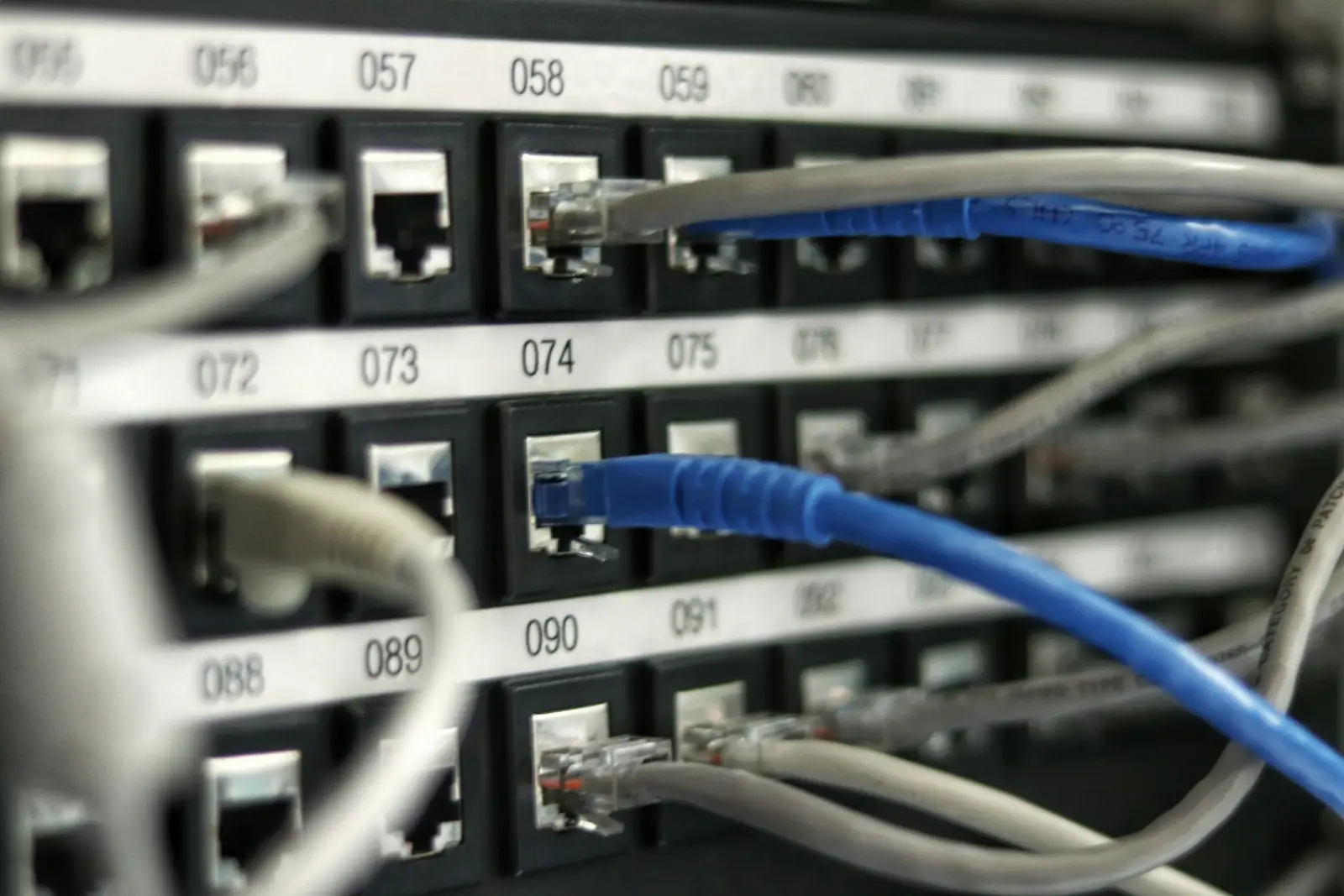
It sits on a comms-room shelf. On the front: power, the state of the cloud link, the state of the backup line and the state of the handsets. On the back, two network sockets, an analogue line socket and the power inlet.
When the CLOUD LED goes out and the other three stay green, your site is still on the phone — that is the only thing this object has to say, and it says it without anybody opening a console.
Try the outage.
The diagram on the right is not an illustration: it is the real topology of a Konvoice site. Cut the link and watch what changes — and above all what does not.
- Internal calls never cross the cloud, even when everything is working. Extension 201 calls extension 214 over the building’s network.
- The phone system stays served locally — greetings, keypad choices, queues, opening hours, public holidays.
- The way out fails over to the site’s backup line: a local carrier’s SIP trunk, an ISDN access or a GSM gateway.
- Nothing is lost — call logs, recordings and messages sync up to the cloud in order as soon as the link returns.
The counters in this diagram are a simulation for demonstration purposes. The topology, the states and the behaviour described are those of the product.
What stays alive
Without the internet, here is exactly what works.
We would rather publish the list than the phrase “service continuity”. You can compare it, line by line, with what your current supplier promises.
| Function | Link up | Internet cut | Site power failure |
|---|---|---|---|
| Calls between handsets on the site | Yes | Yes | Depends on the UPS |
| Voice menu and announcements | Yes | Yes | Depends on the UPS |
| Queues and ring groups | Yes | Yes | Depends on the UPS |
| Voicemail | Yes | Yes, stored locally | Depends on the UPS |
| Opening hours and public holidays | Yes | Yes | Depends on the UPS |
| Outbound and inbound calls | Yes | Via the local backup line | No |
| Emergency calls | Yes | Via the local backup line | No |
| Mobile app in the background | Yes | No — see the note below | No |
| Cloud administration console | Yes | Local fallback administration | No |
| Transcription and summaries | Yes | Deferred, processed on reconnection | No |
Where it goes
A comms room, a network socket, a power socket.
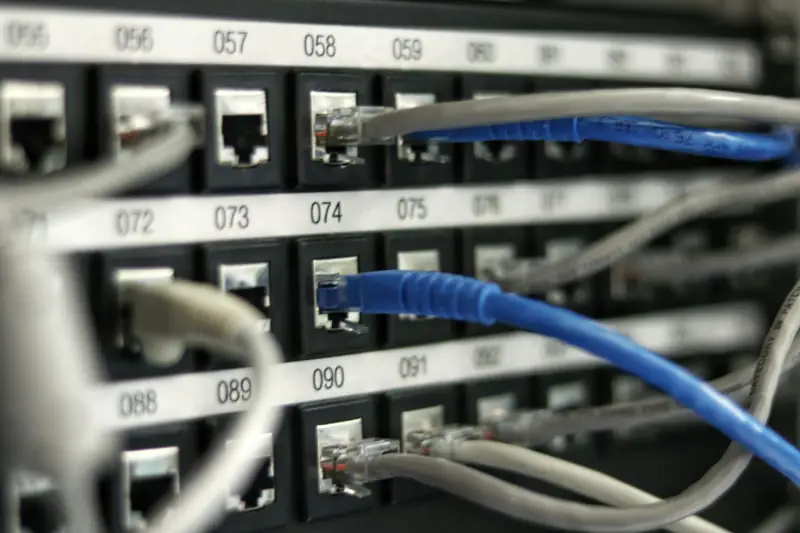
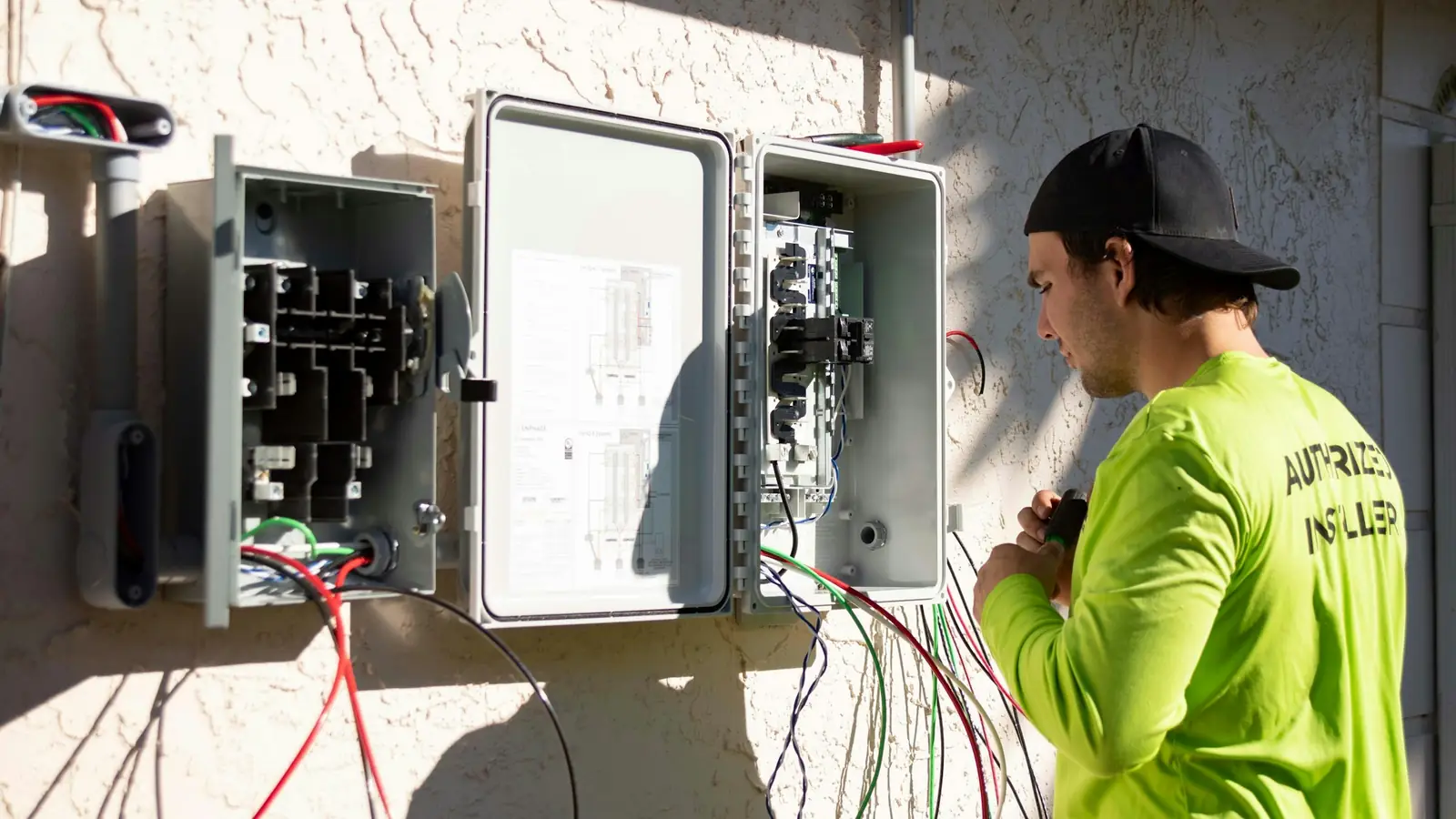
The appliance needs no rack, no air conditioning and no server next to it. It goes where your link arrives, between the router and the handsets’ network — and if your installation has an analogue backup line, it takes that too.
- No rule to open on your firewall — the appliance calls the cloud, never the other way round.
- No public address — nothing it exposes is reachable from the internet.
- Two screws and a DIN rail — or simply placed on a shelf, if there is no rack.
- Replaceable by a neighbour — the configuration is in the cloud, so a swapped appliance reconfigures itself.
Three sizes
The appliance that matches the size of the site.
A six-person practice and a three-hundred-extension factory do not have the same needs. The software is the same; what changes is the machine and the redundancy.
Edge Mini
A fanless appliance the size of a book, in the network cabinet. Up to 50 extensions and 15 simultaneous calls. Under 15 W. The format for branches, practices and shops.
Edge Redundant
Two appliances in active/standby, a shared virtual address, automatic failover in under three seconds. Up to 300 extensions. The format for head offices, clinics and contact centres.
Edge Cluster
Three machines or more in your server room or your hypervisor, distributed media and replicated databases. Beyond 300 extensions, and for sites that tolerate no interruption at all.
Installation
Plugged in, it announces itself.
No serial console, no engineer to send out, no address to type on a telephone keypad.
- The appliance arrives prepared for your company and sealed.
- You plug it into power and the network; it establishes a certificate-authenticated tunnel to the cloud.
- It downloads its site’s configuration, provisions the handsets present on the network and reports ready in your console.
- You approve its fingerprint from the console before it takes any traffic.
Network discovery
The Edge finds the site’s SIP phones and offers to adopt them. Nothing is adopted without your approval.
Cryptographic seal
Every Edge has a unique hardware identity. A stolen appliance does not join your company.
Signed updates
They arrive through the tunnel, are verified and then applied outside business hours, with automatic rollback if the site loses voice.
Backup
Configuration and messages exported encrypted, locally and to the cloud, at a rhythm you choose.
After the outage
Resynchronisation loses nothing and overwrites nothing.
The hard part is not surviving the outage: it is reconciling the two versions of reality cleanly when the link comes back.
Order preserved
Events produced offline go up time-stamped and in sequence, never as an unordered block.
Resume without duplicates
Every event carries an idempotency key: an upload interrupted and then resumed does not create the same call twice.
Conflicts arbitrated
If a rule was changed on both sides, the cloud version prevails for configuration and the Edge prevails for call events. The conflict is displayed, never resolved silently.
Visible in the console
You see what is still queued, for how long, and for which site. A queue that does not drain raises an alert.

At two in the morning, somebody opens the road to lay a joint. Your handsets will know nothing about it.
It is the only promise on this page, and the only one that matters
Questions about the Edge
Is the appliance compulsory?
What happens if the appliance fails?
Do we have to open ports on our firewall?
Can we host it on our own hardware?
What if we have no backup line at all?
Cut the link during the demo.
We are not asking you to take our word for it. During the demo we unplug the link live and you call an extension.
No commitment. No card number asked for.